Welcome to KOMPI, One Stop Shop For All Your Gaming Needs!

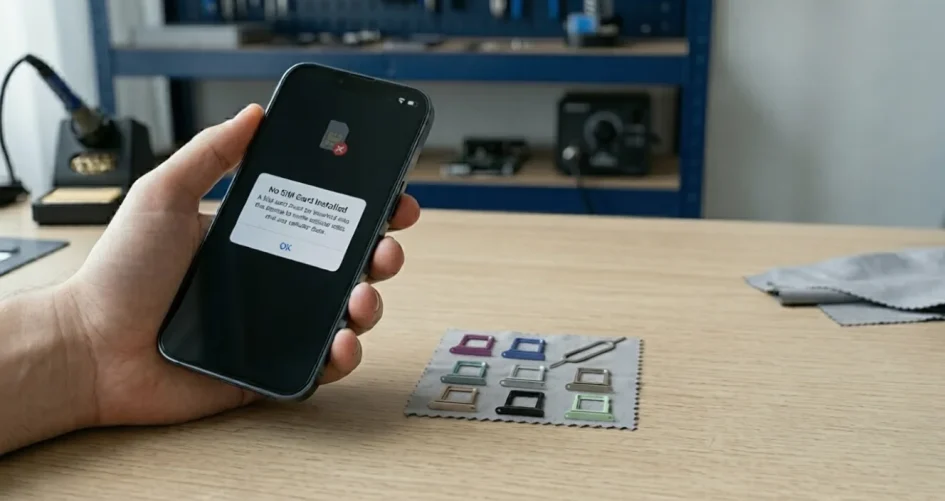
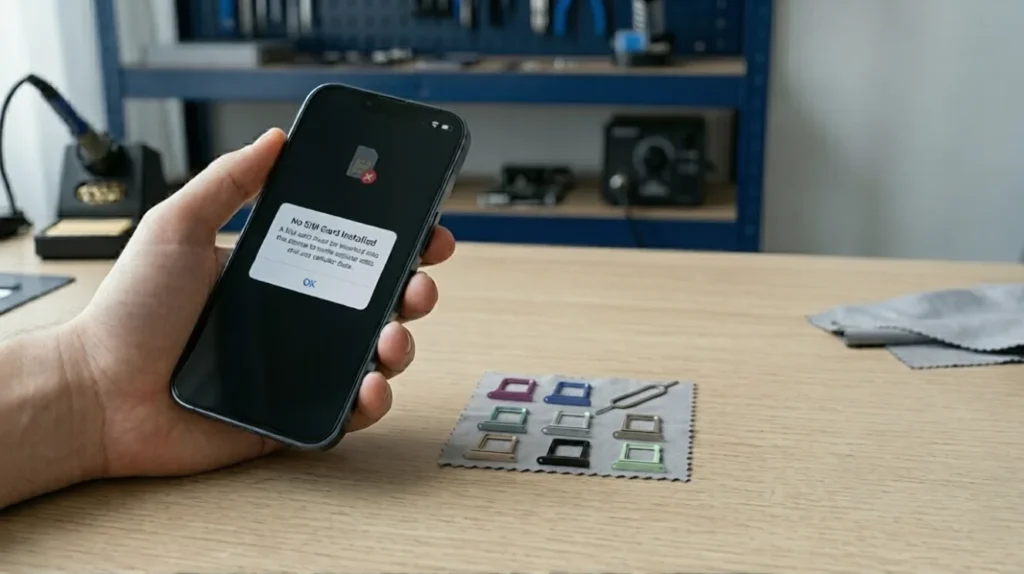
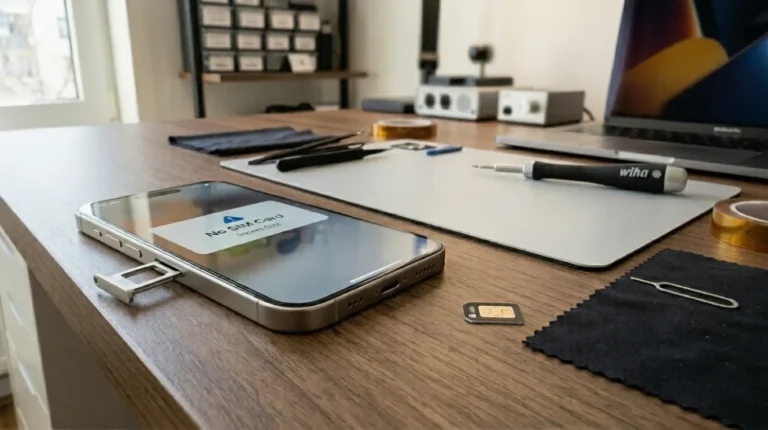
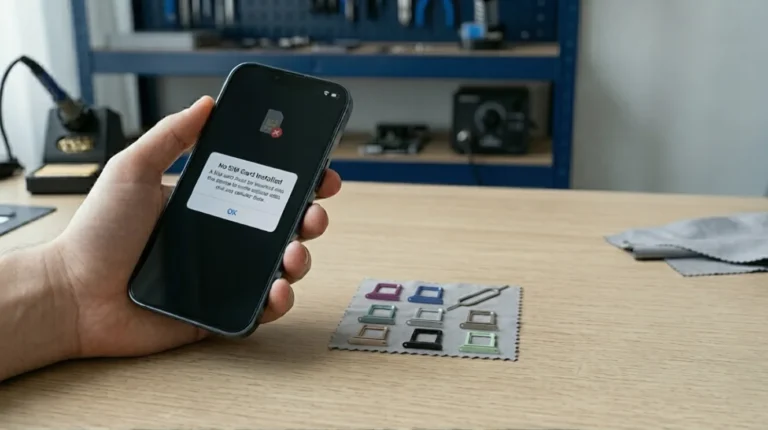
You pick up your phone to make a quick call, check a message, or use mobile data… and suddenly you see it: “No SIM Card”, “SIM Not Detected”, or “No Service”.
At first, most people assume it’s a network issue. Maybe the signal dropped for a moment. Maybe the SIM card moved slightly after the phone was dropped.Then the message stays there.You restart the phone. Still nothing.You remove the SIM card and insert it again. Still nothing and somewhere in the middle of all this frustration, one question usually comes to mind:“Is my phone damaged?”.The good news is Not always.
At Riz Tech, one of the most common problems we see is phones failing to detect SIM cards because of small issues users don’t initially notice especially problems related to the SIM tray, connector alignment, or poor-quality accessories. Surprisingly, the SIM card itself is often not the real problem.
In this guide, we’ll explain why phones suddenly stop detecting SIM cards, the most common causes behind the issue, practical fixes you can try safely, and how to know when you might actually need a SIM tray replacement.
When your phone says “No SIM Card”, it simply means the device cannot properly communicate with the SIM card inserted inside it.
That communication depends on several things working together properly. The SIM card must sit correctly inside the tray, the tray must align perfectly with the internal reader pins, and the software must recognise the connection correctly. If even one part fails, your phone may stop detecting the network entirely.
This is why the issue sometimes feels random. One day everything works perfectly. The next day your phone suddenly loses service.
Not every SIM issue means your phone is damaged. In fact, many causes are surprisingly simple. But some problems should not be ignored for too long.
This is one of the simplest and most common causes. If the SIM card is not sitting properly inside the tray, the phone may fail to detect it correctly. This can happen after dropping the phone, removing the tray repeatedly, or using a tray that no longer fits tightly. Sometimes simply removing the SIM carefully and reinserting it properly solves the issue immediately.
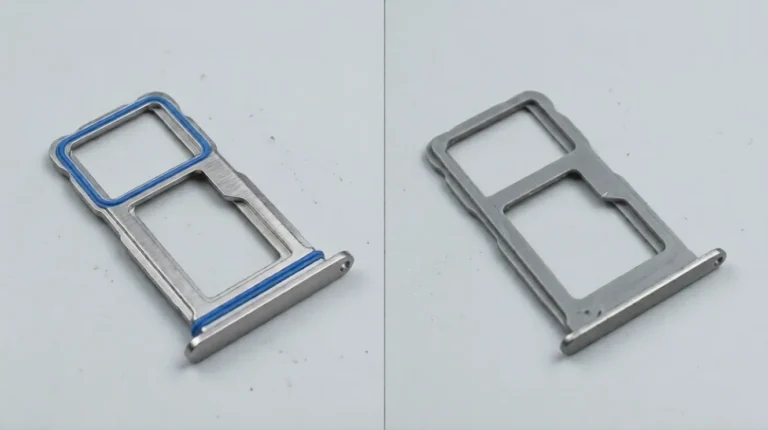
This problem is far more common than most users realise. A damaged SIM tray may bend slightly, loosen over time, crack near the edges, or stop aligning the SIM card correctly. The frustrating part is that the damage is sometimes almost invisible.
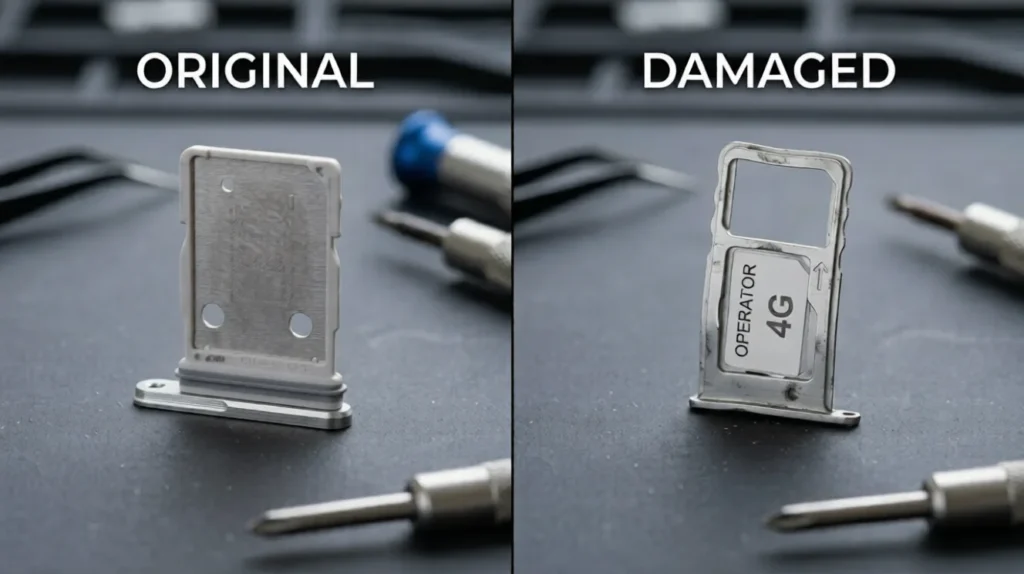
At Riz Tech, we regularly see users forcing slightly bent trays back into their phones without realising the tray itself is causing the connection problem. Over time, this can even damage the internal SIM reader pins and turn a simple SIM tray replacement into a more expensive repair.
Phones spend all day inside pockets, bags, cars, and dusty environments. Over time, small debris can build up around the SIM tray or internal connectors.
Even tiny particles may interrupt proper contact between the SIM card and the reader pins. A gentle cleaning using compressed air or a soft dry cloth can sometimes solve the issue quickly.One important thing to remember: never insert sharp metal objects into the SIM slot while cleaning it.
Not every SIM issue is hardware related.Sometimes a failed software update, network settings problem, or temporary carrier issue can stop the phone from detecting the SIM temporarily. This is especially common after iOS updates, Android firmware upgrades, or switching carriers.
In many cases, restarting the device or resetting network settings resolves the problem without needing any replacement parts.
SIM cards wear out over time too.
If the SIM has scratched contacts, moisture damage, or worn gold connectors, the phone may struggle to read it properly. An easy way to test this is by inserting the SIM card into another phone. If the same issue appears there as well, the SIM card itself is likely faulty.
This is where many users misdiagnose the issue.
A faulty SIM tray often causes Different problems before failing completely. Your phone may detect the SIM sometimes but lose signal randomly later. The tray might feel loose, stop sliding smoothly, or appear slightly bent or uneven.
That “comes and goes” behaviour usually means the SIM alignment is slowly becoming unstable.Modern smartphones especially newer iPhones and Samsung devices use tighter tray alignment systems than older phones, which makes proper tray fitting even more important.
Not every SIM issue requires replacing the tray. However, if your tray is visibly bent, cracked, loose, stuck, or no longer aligning the SIM card correctly, then a SIM card tray replacement is usually the safest solution.
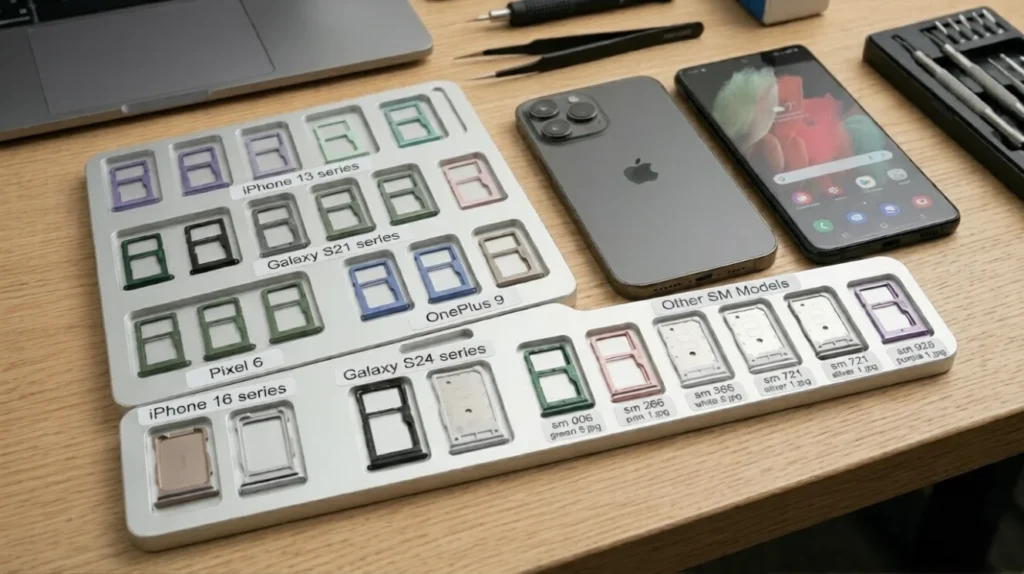
This is particularly important for iPhone SIM tray replacement and Samsung SIM tray replacement because modern devices rely on precise internal alignment. Continuing to use a damaged tray for too long may eventually damage the internal reader itself.
This part matters more than most people think because the real damage often happens while trying to “fix” the issue.
Many users force the SIM tray open using needles, safety pins, or sharp objects, which can permanently damage the tray mechanism. Others buy cheap low-quality replacement trays that fit poorly, misalign the SIM card, or weaken the phone’s waterproof sealing.One of the biggest mistakes is ignoring early symptoms. Users continue forcing slightly bent trays into the phone repeatedly until the internal connector pins eventually become damaged too.
At Riz Tech, we always recommend using proper model-compatible trays designed specifically for your device instead of risking larger repairs later.
No it’s not always a faulty SIM tray causing the No SIM Card issue.
Sometimes the problem is a simple software issue. Sometimes the SIM card is moved slightly. And sometimes the real issue is a damaged SIM tray slowly failing over time.
The important thing is avoiding rushed fixes that create bigger damage later. Understanding the warning signs early, checking tray alignment properly, and replacing faulty trays before they damage the internal SIM reader can save both time and repair costs.
At Riz Tech, we always recommend using high-quality, model-compatible replacement trays rather than forcing damaged trays back into the phone repeatedly.
Because in the long run, stable connectivity is not just about the SIM card itself it’s about everything supporting it properly.