Welcome to KOMPI, One Stop Shop For All Your Gaming Needs!

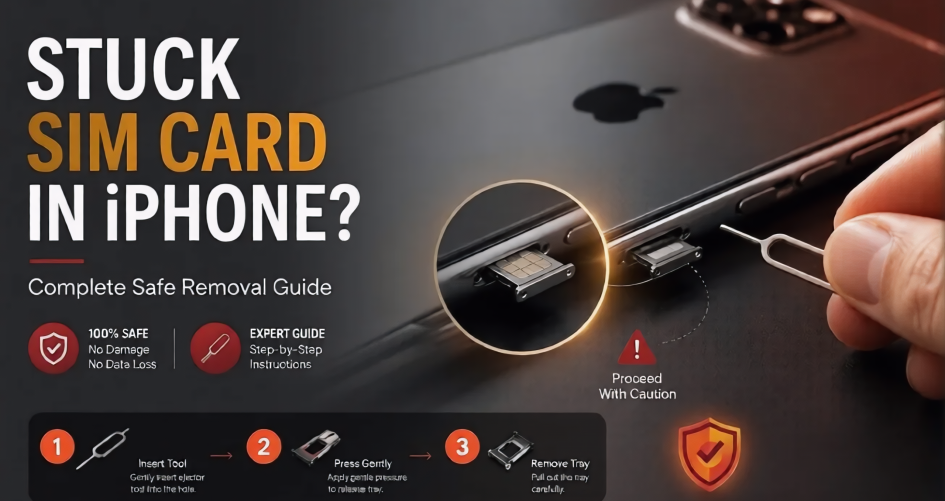
A stuck SIM card in iPhone can be frustrating, especially when you need to switch networks, replace your SIM, or troubleshoot connection issues. The good news is that most cases of a stuck SIM card can be fixed safely at home without damaging your device.
In this guide, you’ll learn why an iPhone SIM card gets stuck, how to remove it safely, and when it’s time to replace the SIM tray altogether.
A stuck SIM card in iPhone usually occurs because of physical damage, dirt buildup, or incorrect insertion. Modern iPhones have precise SIM tray mechanisms, so even a slight misalignment can cause problems.
Common causes include:
If the SIM card was forced into the tray incorrectly, it may become lodged and prevent normal ejection.
A stuck SIM card in iPhone should always be removed carefully to avoid damaging the internal components.
Before attempting any repair, turn off your iPhone completely.
This protects the SIM card reader and prevents accidental damage.
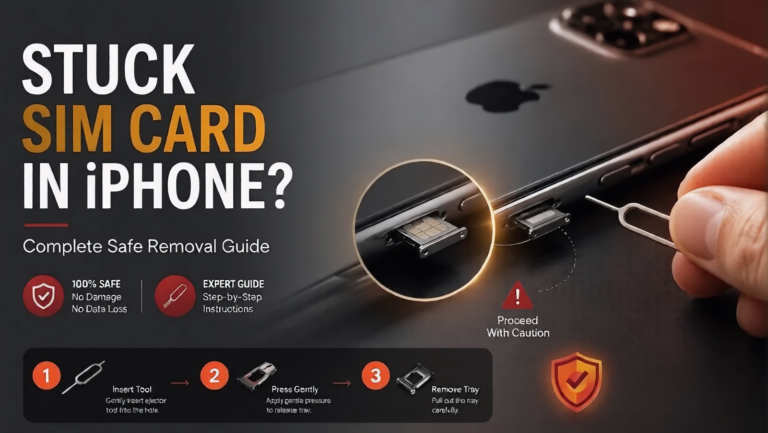
Insert the SIM eject tool into the eject hole and apply gentle pressure.
Do not twist or force the tool. The tray should pop out slightly.
If you don’t have the original eject tool, a straightened paperclip can work.
Make sure it is thin enough to fit the eject hole without widening or damaging it.
A stuck SIM card in iPhone may be caused by lint or debris blocking the tray.
Use a flashlight to inspect the opening carefully.
Never insert sharp objects inside the phone.
Once the tray protrudes slightly, grip it carefully and pull it straight out.
Avoid pulling at an angle, as this can bend the tray.
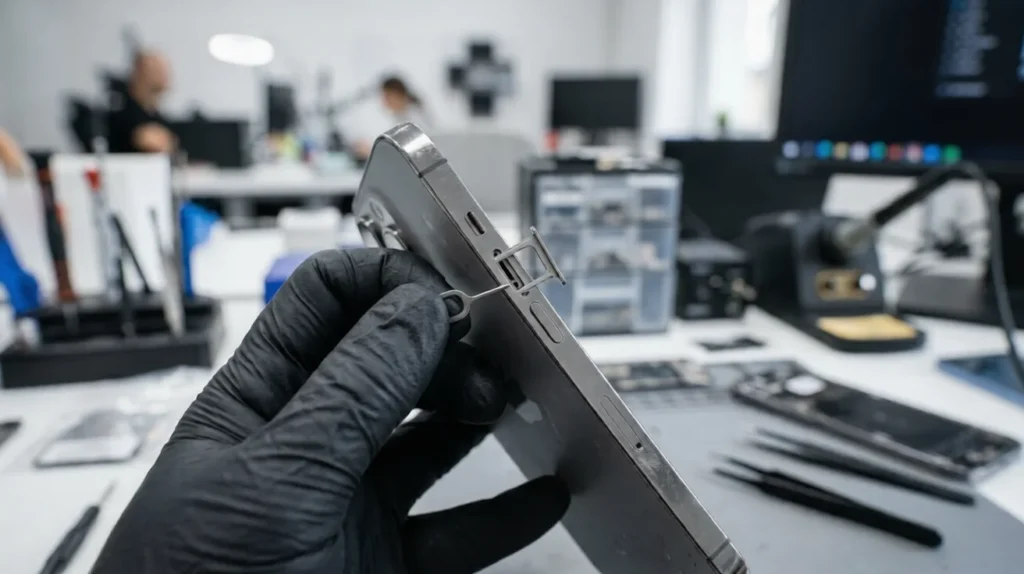
A stuck SIM card in iPhone can sometimes remain lodged inside the tray even after removal.
Try the following:
If the SIM card appears bent, replace it before reinserting.
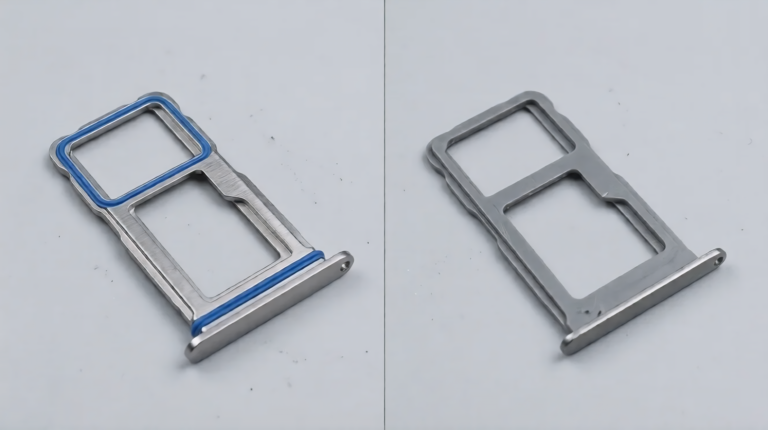
A stuck SIM card in iPhone may indicate that the tray itself is damaged.
Watch for these signs:
A damaged tray can affect signal reception and SIM card detection.
IIf your tray is damaged,replace it with our premium simtrays For:
iPhone 16Plus SimTray , Iphone 16Pro SimTray and Iphone16ProMax SimTray.
A stuck SIM card in iPhone can become a bigger problem if handled incorrectly.
Avoid these mistakes:
Forcing the tray can bend it permanently.
Needles and pins can damage internal components.
Always pull the tray straight outward.
A damaged SIM card can become stuck again.
Continuing to use a damaged tray may lead to network detection problems.
A stuck SIM card in iPhone rarely damages the phone itself when handled correctly.
However, aggressive removal attempts can damage:
This is why gentle removal techniques are essential.
A stuck SIM card in iPhone may require professional help if:
Professional technicians Official Apple Suggest tools that reduce the risk of damage.
A stuck SIM card in iPhone is usually caused by dirt, tray damage, or an incorrectly fitted SIM card. Most cases can be resolved safely using the correct eject tool and careful handling techniques.
If the tray is bent or damaged, replacing it is often the best long-term solution. Using a quality replacement SIM tray helps restore proper functionality and prevents future SIM card issues.
A stuck SIM card is often caused by dirt, a bent SIM card, or a damaged SIM tray. Inspect both the card and tray carefully.
Yes. A straightened paperclip can work if used gently. Avoid using thick or sharp objects.
Usually not. Damage typically occurs when excessive force is used during removal attempts.
A damaged tray may appear bent, fail to eject properly, or cause network detection issues.
Yes. A bent tray can lead to recurring SIM problems and may affect signal performance.