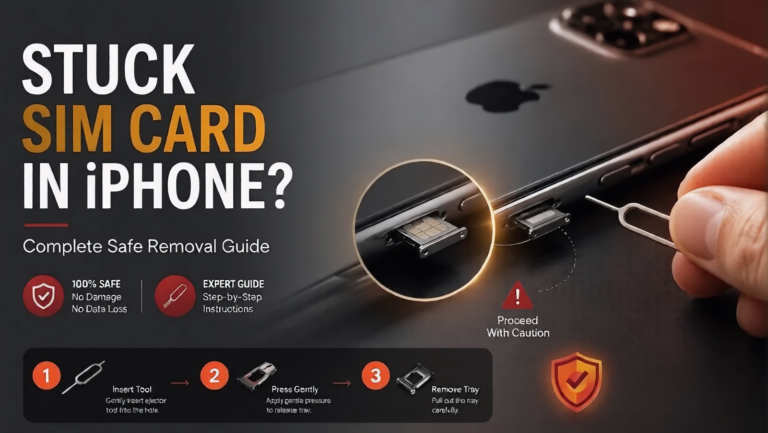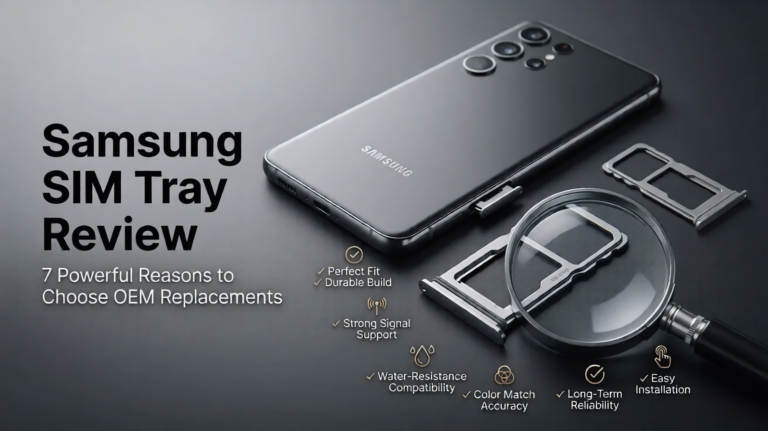
Welcome to KOMPI, One Stop Shop For All Your Gaming Needs!

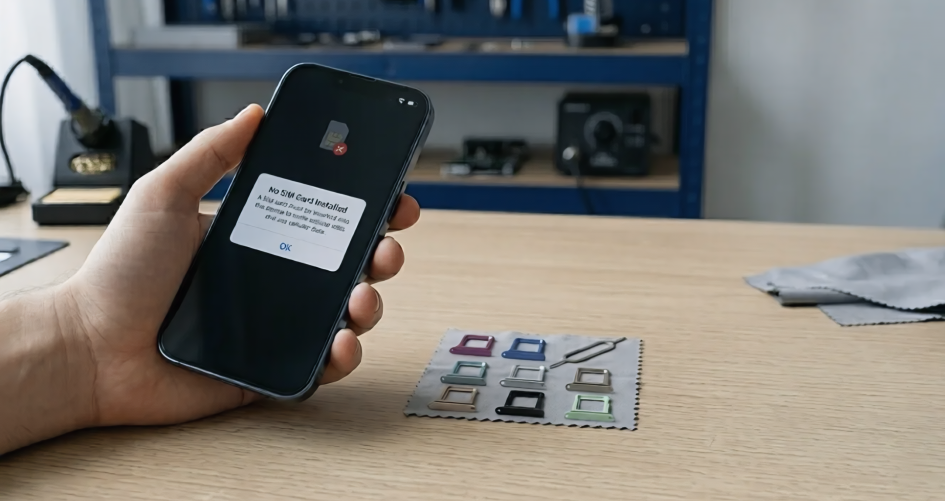
SIM Card Not Detected errors can appear without warning and instantly disconnect your phone from calls, messages, and mobile data.
You pick up your phone to make a quick call, check a message, or browse the internet, only to see a frustrating message such as “No SIM Card”, “SIM Not Detected”, or “No Service”.
At first, many users assume it is a temporary network issue. However, the problem is often linked to the SIM card, SIM tray alignment, internal connectors, or software settings.
At Riz Tech, we regularly help customers diagnose SIM detection problems caused by damaged SIM trays, poor-quality replacement parts, and simple alignment issues that are easy to overlook.
When your phone says “No SIM Card”, it simply means the device cannot properly communicate with the SIM card inserted inside it.
That communication depends on several things working together properly. The SIM card must sit correctly inside the tray, the tray must align perfectly with the internal reader pins, and the software must recognise the connection correctly. If even one part fails, your phone may stop detecting the network entirely.
This is why the issue sometimes feels random. One day everything works perfectly. The next day your phone suddenly loses service.
Not every SIM issue means your phone is damaged. In fact, many causes are surprisingly simple. But some problems should not be ignored for too long.
This is one of the simplest and most common causes. If the SIM card is not sitting properly inside the tray, the phone may fail to detect it correctly. This can happen after dropping the phone, removing the tray repeatedly, or using a tray that no longer fits tightly. Sometimes simply removing the SIM carefully and reinserting it properly solves the issue immediately.
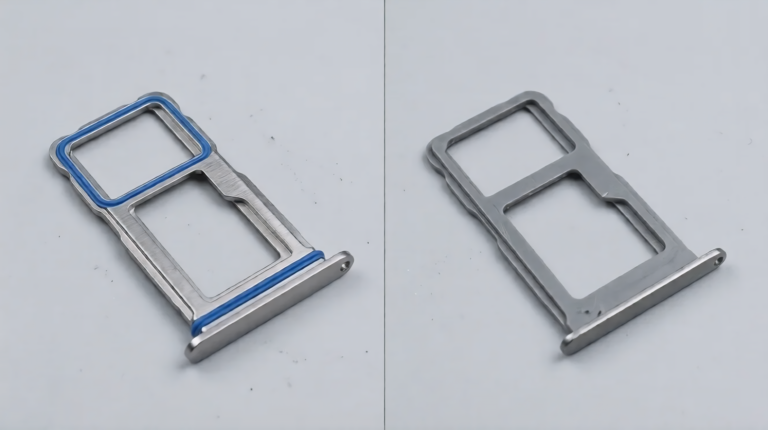
This problem is far more common than most users realise. A damaged SIM tray may bend slightly, loosen over time, crack near the edges, or stop aligning the SIM card correctly. The frustrating part is that the damage is sometimes almost invisible.
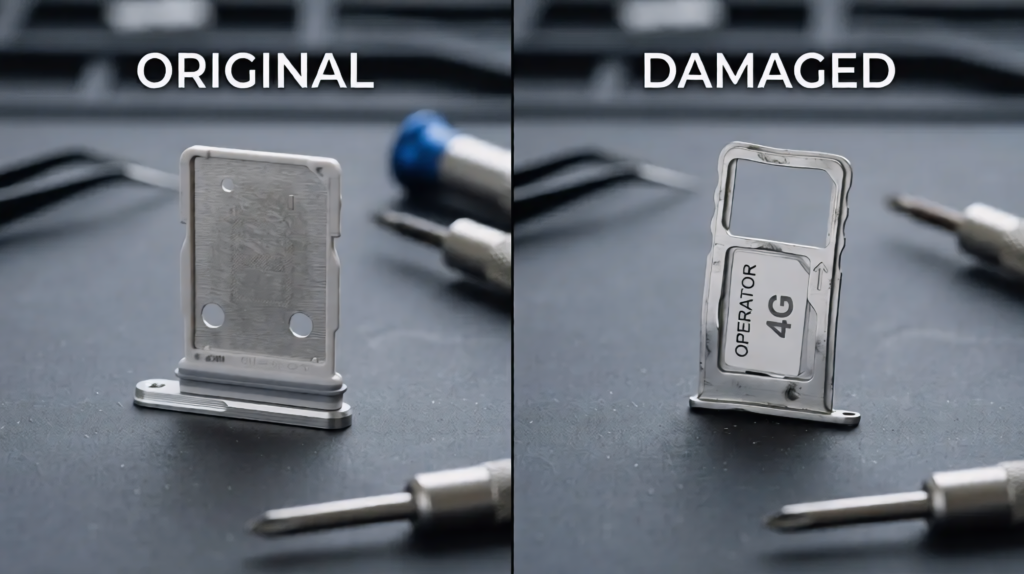
If you’re facing related hardware issues, you can also read our iPhone SIM tray replacement guide on Riz Tech for deeper troubleshooting.
Phones spend all day inside pockets, bags, cars, and dusty environments. Over time, small debris can build up around the SIM tray or internal connectors.
Even tiny particles may interrupt proper contact between the SIM card and the reader pins. A gentle cleaning using compressed air or a soft dry cloth can sometimes solve the issue quickly.One important thing to remember: never insert sharp metal objects into the SIM slot while cleaning it.
Not every SIM issue is hardware related.Sometimes a failed software update, network settings problem, or temporary carrier issue can stop the phone from detecting the SIM temporarily. This is especially common after iOS updates, Android firmware upgrades, or switching carriers.
In many cases, restarting the device or resetting network settings resolves the problem without needing any replacement parts.
SIM cards wear out over time too.
If the SIM has scratched contacts, moisture damage, or worn gold connectors, the phone may struggle to read it properly. An easy way to test this is by inserting the SIM card into another phone. If the same issue appears there as well, the SIM card itself is likely faulty.
This is where many users misdiagnose the issue.
A faulty SIM tray often causes Different problems before failing completely. Your phone may detect the SIM sometimes but lose signal randomly later. The tray might feel loose, stop sliding smoothly, or appear slightly bent or uneven.
That “comes and goes” behaviour usually means the SIM alignment is slowly becoming unstable.Modern smartphones especially newer iPhones and Samsung devices use tighter tray alignment systems than older phones, which makes proper tray fitting even more important.
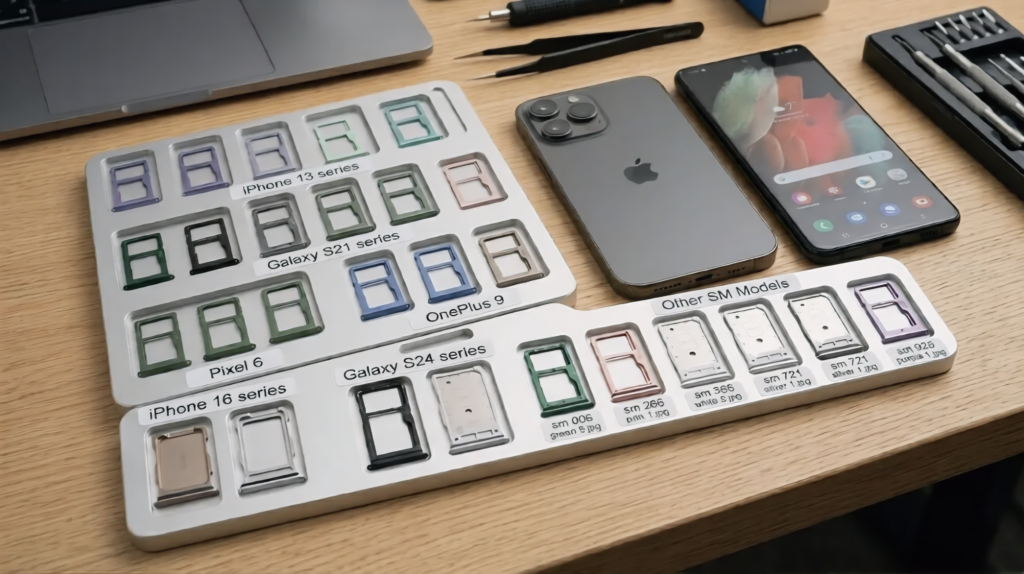
Not every SIM issue requires replacing the tray. However, if your tray is visibly bent, cracked, loose, stuck, or no longer aligning the SIM card correctly, then a SIM card tray replacement is usually the safest solution.
According to Apple’s official support documentation, SIM detection depends on proper hardware alignment between the SIM tray and internal reader pins.
This part matters more than most people think because the real damage often happens while trying to “fix” the issue.
Many users force the SIM tray open using needles, safety pins, or sharp objects, which can permanently damage the tray mechanism. Others buy cheap low-quality replacement trays that fit poorly, misalign the SIM card, or weaken the phone’s waterproof sealing.One of the biggest mistakes is ignoring early symptoms. Users continue forcing slightly bent trays into the phone repeatedly until the internal connector pins eventually become damaged too.
At Riz Tech, we always recommend using proper model-compatible trays designed specifically for your device instead of risking larger repairs later.
A SIM Card Not Detected error does not always mean your phone is seriously damaged. In many cases, the problem is caused by a loose SIM card, software issue, dirt inside the SIM slot, or a damaged SIM tray.
The most important step is identifying the cause early before it leads to larger hardware problems. Check the SIM card carefully, inspect the tray for signs of damage, and avoid forcing any components back into place.
If a faulty SIM tray is causing your SIM Card Not Detected issue, replacing it with a high-quality model-compatible tray can often restore reliable network connectivity and prevent further damage to the internal SIM reader.