Welcome to KOMPI, One Stop Shop For All Your Gaming Needs!

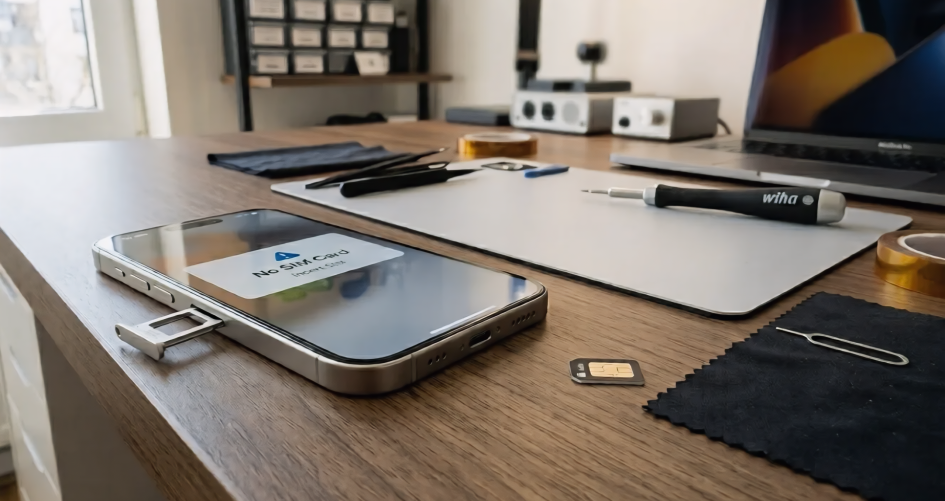
You rarely think about your iPhone SIM tray Problems until your phone suddenly stops detecting the SIM card.
One day everything works perfectly. The next day, your iPhone displays a “No SIM Card” message, loses signal, or struggles to connect to the network.
Many users immediately blame the SIM card itself. However, a damaged or poorly aligned iPhone SIM tray is often the real cause.
At Riz Tech, we regularly help customers diagnose SIM tray issues that lead to unstable connectivity, intermittent signal loss, and frustrating network problems. Understanding these warning signs early can help you avoid more expensive repairs later.
If you are looking for a replacement part, browse our collection of iPhone SIM trays designed for multiple iPhone models.
Modern iPhones use much tighter internal alignment systems than older phones.That means even a slightly bent tray can stop the SIM card from sitting correctly against the internal reader pins this increase more iphone sim tray problems now a days.
This is more common in newer devices because Apple’s hardware design relies heavily on tight mechanical precision, as explained in Apple’s official support documentation about SIM-related hardware behavior
Sometimes users continue pushing the damaged tray back into the phone without realising they’re slowly damaging the internal connector too. That’s where a simple fix can suddenly turn into an expensive repair.
SIM tray problems rarely fail instantly.Most of the time, the symptoms appear gradually.
Your iPhone may detect the SIM normally one moment, then suddenly lose signal later. The tray might start feeling loose, uneven, or slightly harder to insert smoothly. That unstable “works sometimes, fails sometimes” behaviour is usually an early warning sign.
These problems are especially common on newer iPhone models where tray alignment needs to be extremely precise.
Yes
The SIM tray does more than simply holding the SIM card in its place. It helps align the card perfectly with the tiny internal reader pins inside the phone.This reduce the iphone sim tray problems
If the tray bends slightly even by a very small inch or small push the connection may become unstable. That’s why many users replace the SIM card first and still see the same issue afterwards.
Replacing the tray itself is usually straightforward if done carefully.The important part is avoiding unnecessary force.
Start by powering Off the iPhone before touching the SIM tray. It reduces the risk of damaging the SIM reader during removal.
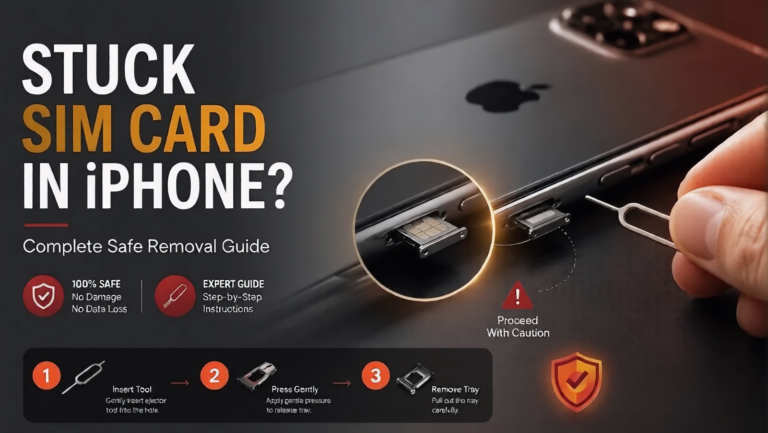
Next, use a proper SIM eject tool and press gently into the eject hole beside the tray.Avoid pushing at an angle.
One of the biggest mistakes users make is using needles, pins, or sharp metal objects. These can damage both the tray and the eject mechanism internally.Once the tray pops out slightly, pull it out slowly using your fingers.
If it feels stuck immediate force can damage the sim tray or bends it.Forcing the tray is one of the fastest ways to damage the internal connector pins permanently.
Before placing the replacement tray inside the phone, inspect the SIM slot carefully.
Dust, lint, and tiny debris particles can sometimes interrupt proper contact between the SIM and the internal reader.Use soft cleaning methods only.
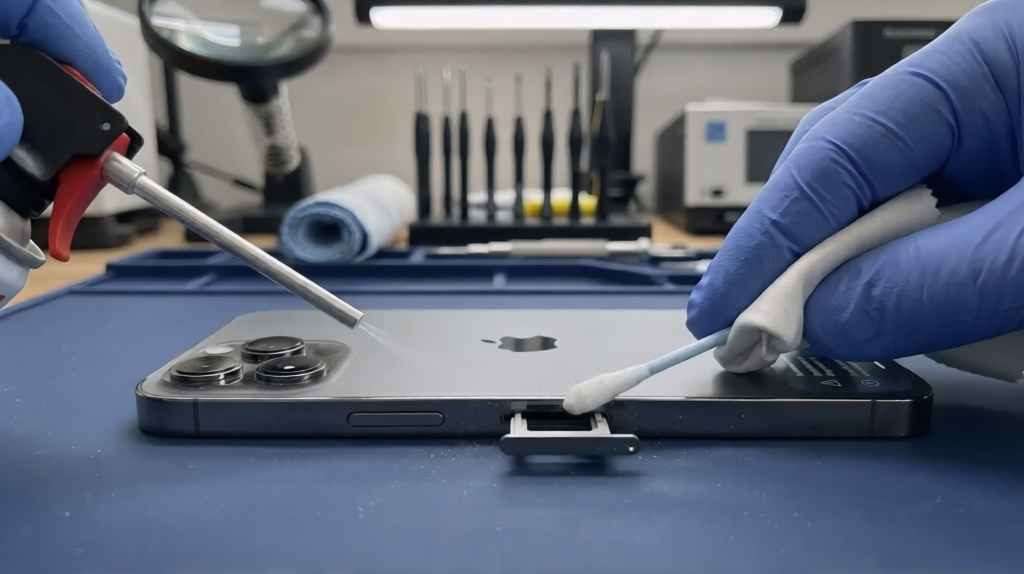
A flashlight can also help you check for:
If the internal pins already appear damaged, replacing only the tray may not fully solve the problem.
At Riz Tech, we regularly see customers replace a faulty SIM card when the actual problem is a damaged iPhone SIM tray. Because many aftermarket trays look identical to original parts, users often choose the cheapest option available.
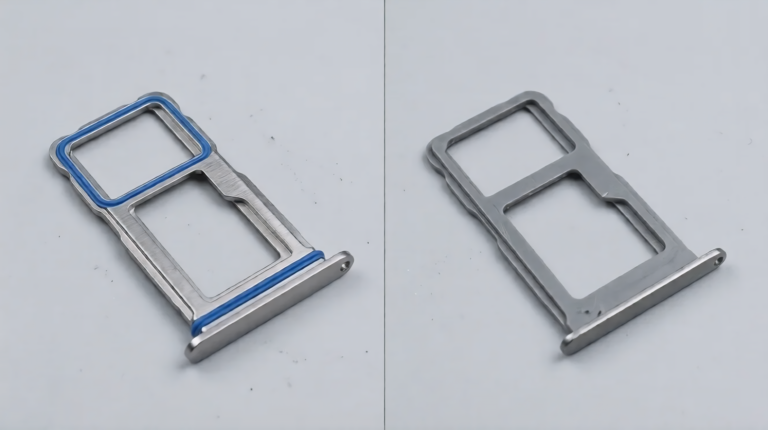
Unfortunately, low-quality replacement trays can be slightly thinner, poorly aligned, or manufactured with lower tolerances. Over time, these defects may lead to recurring No SIM Card errors, unstable signal reception, or additional stress on the SIM reader pins.
For reliable long-term performance, always choose a model-compatible, high-quality iPhone SIM tray designed specifically for your device.
Most SIM tray damage actually happens during DIY repairs.
Users often force trays back into place after bending them slightly. Others continue using trays that no longer fit tightly because the issue “comes and goes.”
Over time, repeated pressure can damage the internal SIM reader itself.Another common mistake is ignoring water resistance seals.
Many iPhone SIM trays include small rubber sealing components that help protect against moisture. Cheap replacement trays often lack proper sealing quality.
That increases the risk of internal moisture damage later.
Not every SIM tray issue should be repaired at home.If the tray:
then professional repair is usually the safer option.
Trying to force deeper repairs without proper tools can make the situation much worse.
A damaged iPhone SIM tray may seem like a minor problem at first, but it can easily lead to unstable signal issues and expensive internal repairs if ignored for too long.The good news is that replacing the tray safely is usually simple when handled carefully.
Using proper tools, avoiding excessive force, and choosing a high-quality replacement tray can help protect your device and restore stable connectivity properly.
At Riz Tech, we always recommend fixing early SIM tray problems before they begin damaging the internal SIM reader itself.
Because in the end, reliable signal doesn’t just depend on the SIM card it depends on every small component working together correctly.
Yes. Sometimes bent or poorly aligned SIM tray cause trouble in contact between the SIM card and internal reader pins.but not always.
In most cases, yes If the tray is not struck or cannot damage your phone.
This usually comes due to unstable tray alignment or loose SIM contact.
Low quality trays may fit incorrectly and can eventually damage the SIM reader pins or affect water resistance.
If the tray appears bent, loose, or uneven, replacing the tray first is often the better solution.